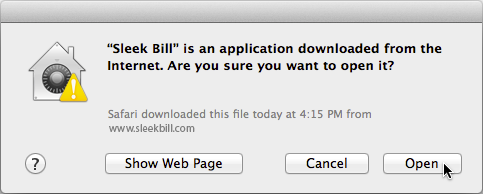
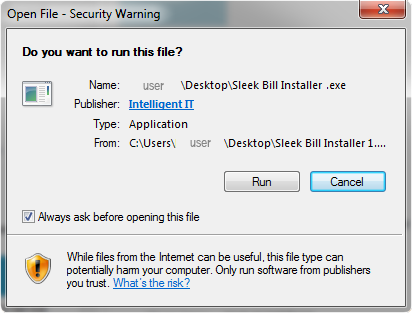
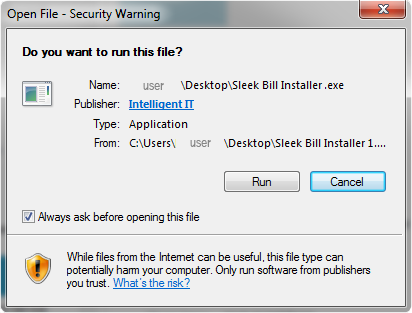
2When Security warning appears, click Run.
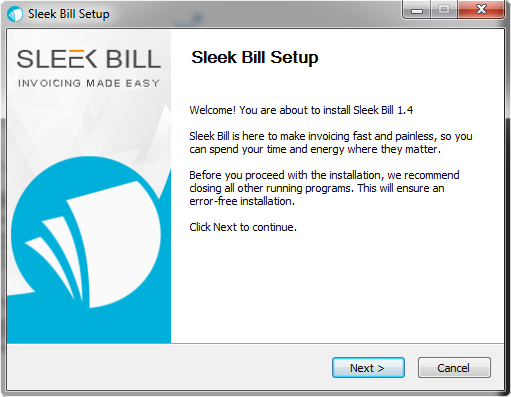
 3When this window pops up, just follow the steps.
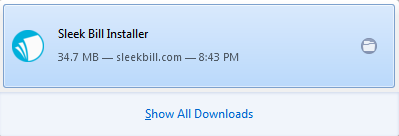
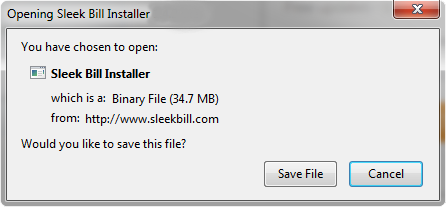 2After the file is downloaded click on it to run the installer!
 3When Security dialog appears, click Run.
 4When this window pops up, just follow the steps.
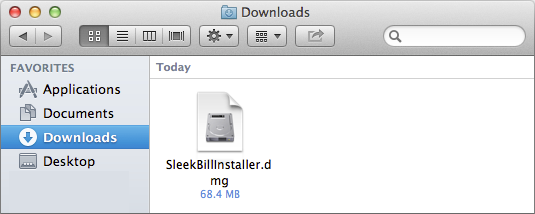
 2After the file is downloaded, the installer will start.
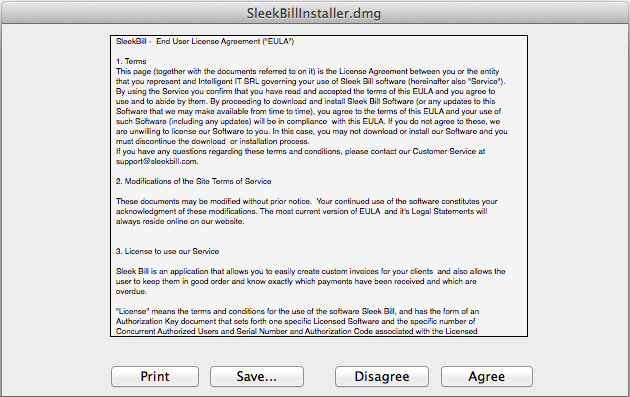
 2When the license terms dialog appears, click "Agree" to access the software.
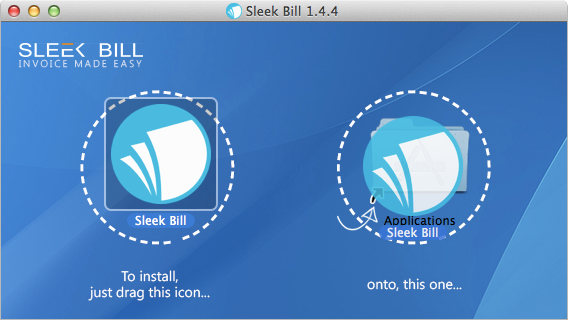
 3Add Sleek Bill to Applications.
 4Click Open and start Invoicing.